

cross-posted from: https://lemdro.id/post/46516699
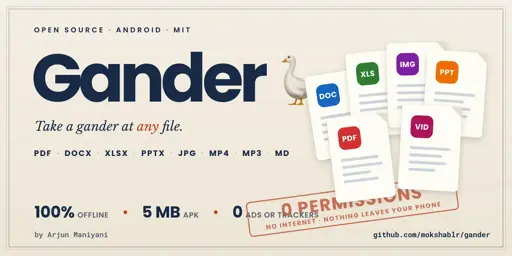
Opens PDF, Word, Excel, PowerPoint, photos, video, audio, Markdown and code, all rendered on the device. About 5 MB, one build for every processor, Android 8.0 and up.
Search works in every document type. PDF text selects, copies and reads aloud to a screen reader, and there is a night mode that turns the paper black and leaves most photographs alone.
Its permissions page is empty and the manifest has no INTERNET so it can’t open a network connection. Files reach it through the system picker, an Open-with intent, or a folder you grant once. The About screen asks Android what the app requests and shows you the result.
Not an editor. Legacy .ppt does not open. Complex PowerPoint renders approximately.
I will be in the comments today, so ask away, including why it isn’t on F-Droid yet.
Well, it opened a pptx with embedded videos without a problem. That’s nice!
What Gander name means?
edit: Also, I’m not informed in the very least what security measures may apply here, I mean against random files users may open. It would not hurt to consult with an expert.
Glad the pptx worked!
The name is from “take a gander” which is like slang for “take a look”. A gander is also a male goose hence the icon. 😛
Gander treats every file as untrusted. Documents render in a WebView that runs only Gander’s own scripts and loads nothing except Gander’s own code and the file you opened. With no internet permission, a file that got past that still couldn’t reach the network.
Nobody outside has audited it yet, and you’re right that it wouldn’t hurt.
SECURITY.mdlists what a file should never be able to do, and how to report one privately: https://github.com/mokshablr/gander/blob/main/SECURITY.md